
Upload Image → Enter Percentage → Click on Resize
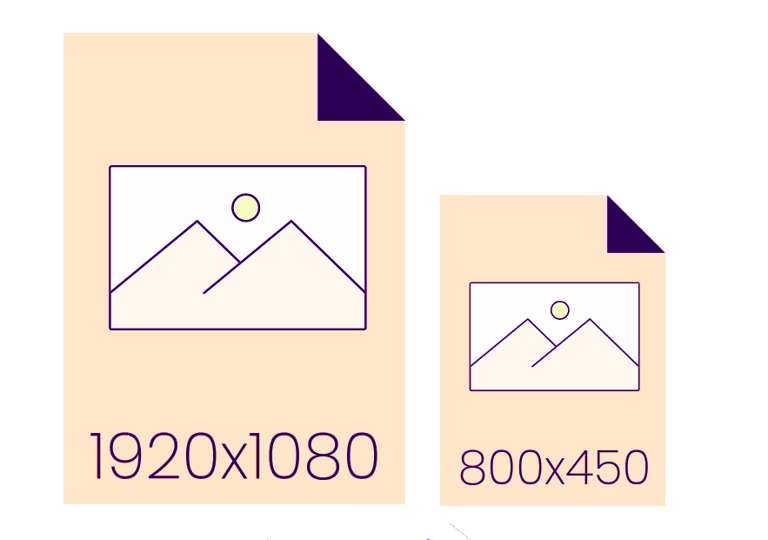
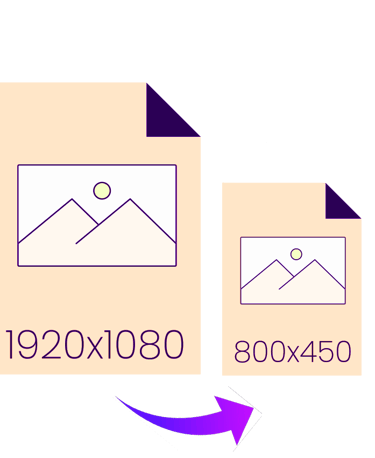
How can an image be resized?
1 Upload an image > Click the Choose Files button to get started.
2 Upload an image > Enter Percentage.
3 Download > To save your image with a transparent background, click Download.
A Fast and Easy Tool for Resizing Images
With our Resize Image Tool, you can quickly resize your photos to the perfect size without compromising quality. With the help of this tool, you can easily adjust images for your website, resize files for faster loading, or fit them into social media dimensions. You only need to upload your photo and choose the desired size or percentage to get a high-quality resized image in a matter of seconds.
Preserve the clarity and resolution of the images.
Scale by adding by percentage
✔ Compatible with PNG and JPG, among other major file formats
✔ Safe, quick, and free
Ideal for bloggers, marketers, designers, and anybody else who requires properly sized, optimized images.
Free Tools
Upload photo → Remove background → Download PNG.
CONTACT
contact@samsgraphics.com
+91-7768937567
© 2025. All rights reserved.
Important links